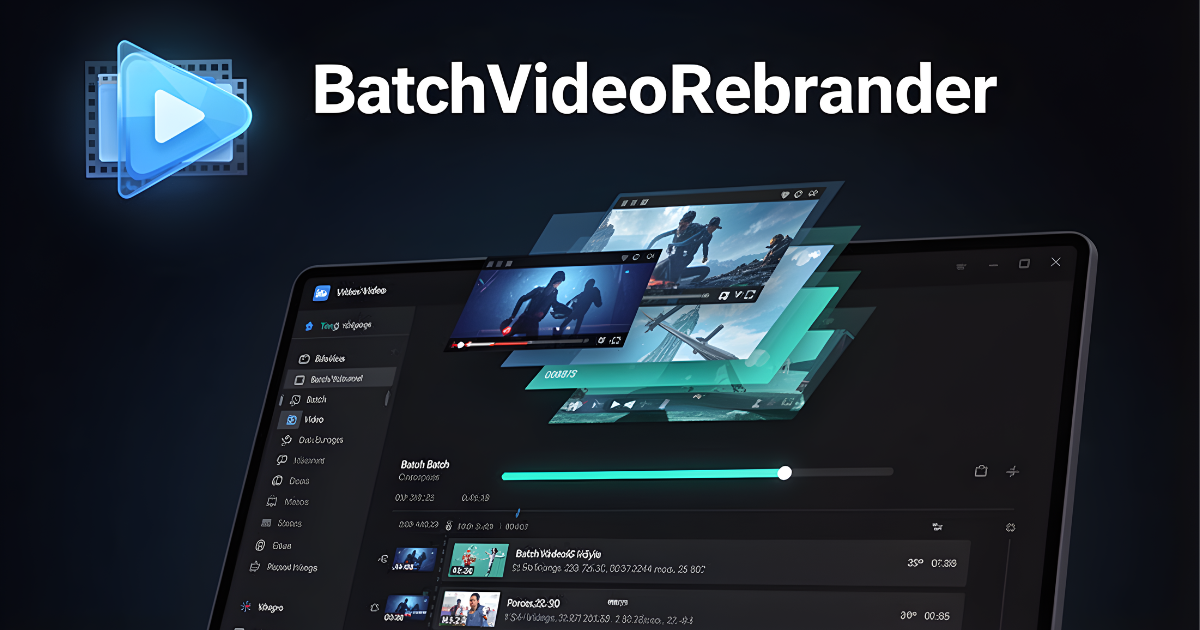
BatchVideoRebrander automatically combines your videos with music, branding, effects, intros, and outros — processing dozens of videos in the time it used to take you to edit just one.
If you create content at scale, you already know the pain. The same tedious steps, repeated again and again for every single video.
Manually adding background music, adjusting volumes, and exporting each video one at a time burns hours you don't have — hours that should be spent creating, not editing.
Load video. Add music. Adjust levels. Add intro. Add outro. Export. Repeat 50 times. No creator should be spending their days doing this — yet thousands do, every single day.
When you're doing things manually, small differences sneak in — wrong volume here, missing intro there. Your audience notices the lack of consistency, even if they can't say why.
While you're stuck in the endless loop of manual video editing, your competitors are publishing more content, reaching more people, and building bigger audiences.
The real cost isn't just your time — it's the content you never created, the audience you never reached, and the income you left on the table because you were too exhausted from editing to do anything else.
There is a better way. And it takes just minutes to set up.
Set it up once. Hit "Batch Process". Walk away. Come back to a folder full of professionally re-branded, perfectly consistent, ready-to-publish videos.
Pair your videos with background music automatically. The app loops, trims, and fades audio to fit perfectly — every time, with zero manual effort.
Set your branded intro and outro once. They'll be seamlessly attached to every video in your batch — with professional fade transitions between each clip.
Apply brightness, contrast, saturation, and colour tint overlays uniformly across every video — keeping your brand identity crisp and recognisable across all your content.
What used to take 4–6 hours of manual editing can now be done while you grab a coffee. BatchVideoRebrander handles the heavy lifting so you don't have to.
Save your perfect configuration as a preset. Next batch? Load it in one click. No reconfiguring. No guessing. Just instant, consistent results every time.
BatchVideoRebrander runs entirely on your Windows PC. No monthly fees for cloud rendering. No internet required. No waiting for uploads or queues. You're in control.
No video editing experience required. If you can click a button, you can use BatchVideoRebrander.
Point the app at your video folder and your music folder. That's it. No importing, no timelines.
Set audio levels, speed, colour effects, intro/outro clips, and overlays. Save as a preset for next time.
Run a quick one-clip preview to make sure everything looks and sounds exactly the way you want.
Hit Batch Process. The app works through your entire library and saves publication-ready MP4 files.
Watch this quick walkthrough and see exactly how fast you can go from raw footage to a fully re-branded, publication-ready batch of videos.
No editing skills required. No complex setup. Just point, configure, and batch process.
Batch pair videos with background music — automatically matched in order
Flexible pairing logic — let video or audio drive output duration
Intro & outro clip attachment — applied to every video in the batch
Fade-to-black transitions between intro, main video, and outro
Independent volume controls for main video audio and background music
Audio fade in & fade out for polished, professional sound
Video playback speed control — speed up or slow down with pitch preservation
Colour grading — brightness, contrast, saturation, hue shift
Colour overlay with opacity control — apply brand colour tinting
Save & load presets — reuse any configuration instantly
Live preview mode — test a single pair before committing to a full batch
MP4 output (H.264 + AAC) — compatible with all major platforms
Offline & local — no internet, no cloud uploads, no queue
Windows 10 & 11 compatible — clean, native desktop experience
This isn't just about saving time. It's about what you do with that time.
Publish 5x to 10x more videos per week without working longer hours. More content means more reach, more engagement, and more revenue.
Stop being the bottleneck in your own business. With batch processing, one person can produce the output of an entire editing team.
Consistent colour grading, perfect audio, and polished intros and outros make your entire video catalogue look like it was produced by a premium studio.
When repetitive editing is automated, your mental energy goes back where it belongs — into ideas, strategy, and the creative work only you can do.
No expensive cloud editing tools. No freelance editors for repetitive work. No software subscriptions per seat. One affordable tool does it all on your own machine.
Most creators are still editing manually. With BatchVideoRebrander, you can outpace them in volume and consistency — and dominate your niche faster.
"I used to spend 3–4 hours every weekend processing videos for the week ahead. Now it takes me 20 minutes. BatchVideoRebrander has genuinely changed how I run my content business."
"The preset system is a game-changer. I have a different preset for each of my brand channels, and switching between them is instant. Easily the most useful tool in my workflow."
"I create faceless content at scale. This app is the single most important tool I have. I process 50+ videos in a batch while I sleep. I couldn't run my business without it."
All plans include full access to every feature. No feature gating. No hidden limits.
Join the creators who've already taken back their time. Download BatchVideoRebrander free today and experience the difference automation makes.
⬇ Start Free — Download NowBatchVideoRebrander is a professional Windows desktop application built for video content creators, digital marketers, and online entrepreneurs who need to produce large volumes of consistently branded video content without spending hours in manual editing software.
The software is developed and maintained independently. For enquiries, contact [email protected]. Website: https://bulkvideorebrander.ekpootu.com
BatchVideoRebrander is provided "as is" without warranties of any kind, either express or implied, including but not limited to implied warranties of merchantability or fitness for a particular purpose.
Results described on this page — such as time savings and productivity gains — are based on typical use cases and may vary depending on your hardware, the number of files processed, file sizes, and individual workflow. We do not guarantee specific outcomes.
You are solely responsible for ensuring that any video content you process using this software does not infringe upon the intellectual property rights of any third party. We accept no liability for how you use the output produced by this software.
We take your privacy seriously. This policy applies to this website and the BatchVideoRebrander application.
This website does not use tracking cookies or analytics beyond standard server access logs (IP address, browser type, pages visited). We do not sell, rent, or share your data with third parties.
When you purchase or register a licence, we collect your email address and payment information solely for the purpose of fulfilling your order and providing support. Payment processing is handled securely by Stripe or PayPal — we do not store your payment card details.
BatchVideoRebrander runs entirely on your local machine. It does not transmit your video files, audio files, or personal data to any remote server. Your content stays on your computer.
For privacy-related enquiries: [email protected]
If you are located in the European Economic Area (EEA), you have certain rights under the General Data Protection Regulation (GDPR), including the right to access, correct, or delete the personal data we hold about you.
To exercise your rights or ask any GDPR-related question, email: [email protected]
Support & Licensing: [email protected]
Website: https://bulkvideorebrander.ekpootu.com
We aim to respond to all enquiries within 1–2 business days.